Advent calendar
Some venues run a seasonal calendar, such as an advent calendar in December. Each day a new door opens with a deal: a discount code, or a prepaid visit at a special price. This page explains how to use one.
For how venues build these calendars, see Campaigns in the operator guide.
Opening the calendar
The venue links to its calendar from its website or marketing. If the venue has more than one calendar running, you'll first see Choose a calendar. If none is running, you'll see No calendar available.
You don't need an account. You only need an email address to claim a deal.
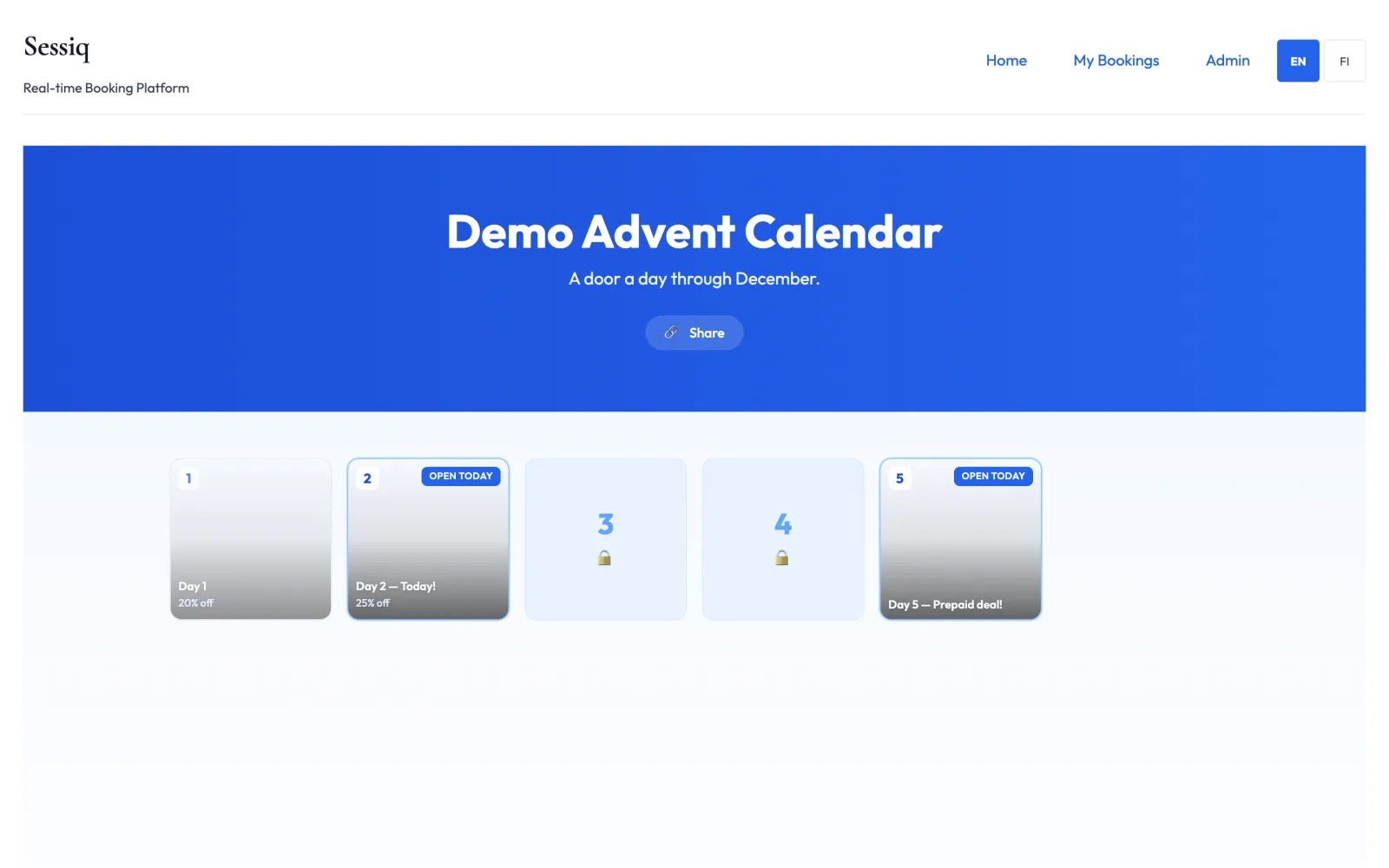
Which doors you can open
The doors follow the venue's local date:
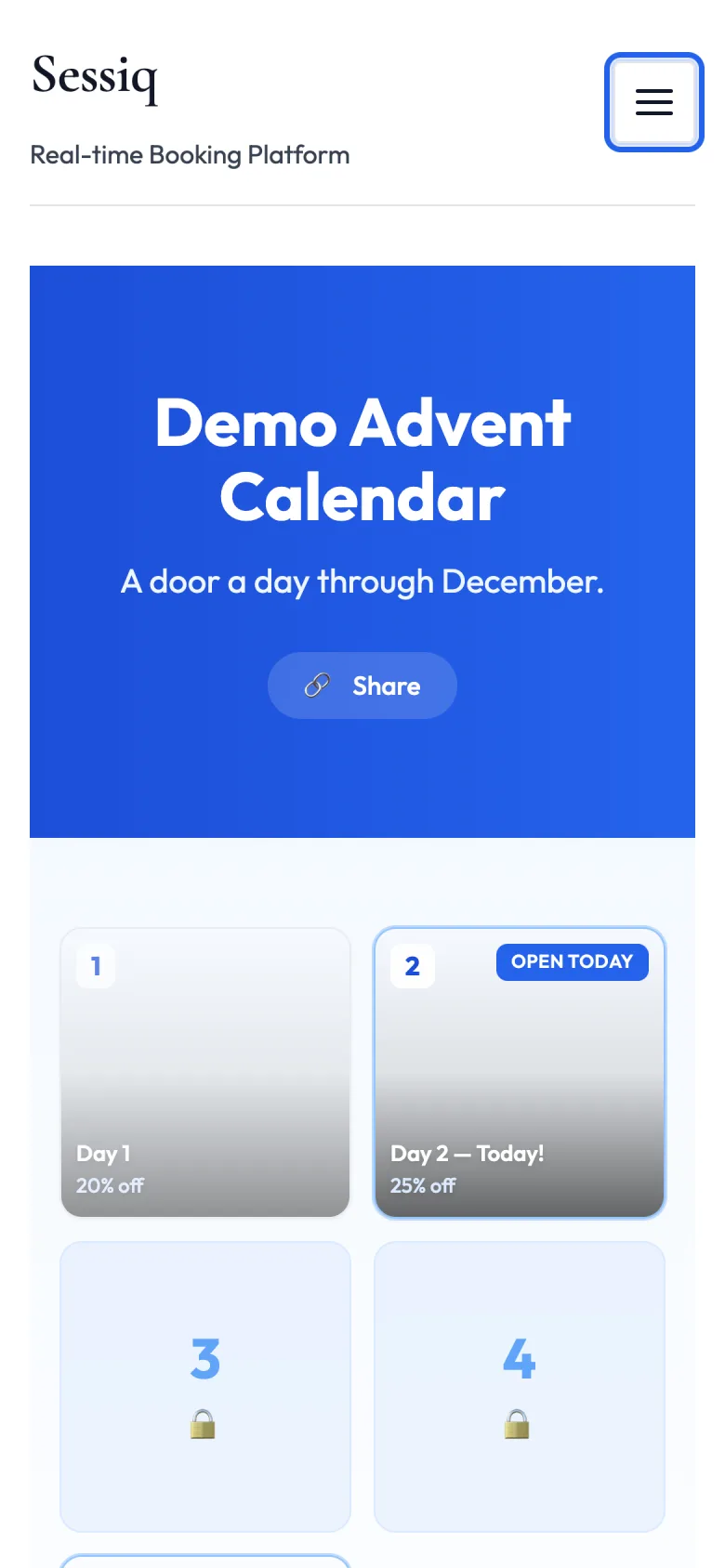
- Today's door is marked Open today. This is the only door you can claim or buy.
- Future doors are locked and can't be opened until their day.
- Past doors can still be opened to see what was behind them, but they show This door has closed. You can't claim them afterwards.
- A door can run out. It then shows Sold out, with Come back tomorrow for a new door.
Some doors show how many people have claimed today. Use Share to send the calendar link to a friend.
Door types
Discount code
These doors show a discount, such as "20% off" or "€10 off", and sometimes a minimum spend.
- Open today's door.
- Enter your Email and click Get my code.
- Your code appears under Your code. Click Copy code to copy it. The code is also emailed to you.
- Click Book now to go and book.
Enter the code in the Promotions & Vouchers section of the payment step. See Promotions and vouchers.
About the code:
- It can be used once.
- It can't be combined with other discounts.
- It only works for the experiences named in the offer, and within the dates the venue set. Check the Terms on the door.
- A percentage or amount comes off the experience itself, not off extras such as party catering, unless the door says the discount is for the extra.
- You get one code per door per email address. If you claim again with the same email, you'll see You already claimed this door — here's your code again.
Prepaid visit
These doors sell a visit in advance at a special price, shown as Now €…. You get a voucher that pays for the whole booking of that experience. It's single-use, and you can keep it or give it as a present.
- Open today's door.
- Enter your email address. The voucher code is sent there after payment.
- Click Buy now, then pay with Pay by card, or with Pay via bank and Continue to bank to pay through your online bank.
Your place in the door's allocation is reserved for a short time while you pay.
Gift card with a bonus
These doors sell a gift card, such as "Gift card €40 + bonus €10". You can buy it from the calendar on the venue's own website.
- Open today's door and click Buy for €….
- Enter your email address. If it's a present, tick This is a gift for someone else and enter the recipient's email, a message and, if you like, a Delivery date such as 24 December.
- Pay by card or through your online bank.
You get two codes, both shown after payment and sent by email (to the recipient, on the delivery date, if it's a gift):
- The gift card: works like any gift card from the venue, for its normal validity.
- The bonus code: a free extra, valid only on the dates shown with it.
Enter both codes in the payment step of the same booking. The bonus is used first, and the gift card pays the rest.
After paying for a prepaid door
When the payment goes through, you'll see Payment received and then Your prepaid voucher is ready!, with:
- Your voucher code
- Redeem by: the last date you can use it
- a reminder to enter the code at checkout, where it covers the price of the experience
The code is also emailed to you. To use it, book the experience and enter the code under Gift Card / Voucher Code in the payment step.
If the payment didn't go through, you'll see Payment not completed. If you cancelled at the bank, you'll see Payment cancelled. In both cases you haven't been charged. Use Back to calendar to try again.